

Run your trademark search in two places: the California Secretary of State's bizfile portal for state records, and the USPTO's tmsearch system for federal ones. Save what you find, then widen the net to Google, social media, and county filings for names nobody bothered to register. If anything looks close to your mark, talk to a trademark attorney before you file anything.
TL;DR:
- Checking both the California Secretary of State’s bizfile portal and the USPTO system covers different, essential trademark registers, reducing missed conflicts.
- Filings in California only protect local rights, while federal registration confers nationwide protections and the ability to use the ® symbol.
- A thorough search includes variations, phonetic spellings, reverse word order, design codes, owner history, and common-law use to avoid overlooked conflicts.
- If search results are ambiguous or show active similar marks, consulting a trademark attorney is crucial before filing.
- Most legal risks come from common-law use and unregistered rights, which online and social media searches reveal better than official databases alone.
Table of Contents
- Where to Search: What the California Secretary of State and USPTO Databases Contain
- How to Run an Effective Trademark Search (Step-by-Step Checklist)
- How to Read Your Results and Spot Red Flags
- Choosing Between California State Filing and Federal Registration
- Legal Stepz Resources for California Filers
- Authoritative Links to Use and Bookmark
- Why Most Trademark Search Advice Undersells the Common-Law Problem
- Sources
Where to Search: What the California Secretary of State and USPTO Databases Contain
The two official systems don't overlap as much as people assume. Each catches different marks, and knowing which one to trust for which question saves hours.
The California Secretary of State's bizfile trademark search covers marks registered at the state level only. It went online in a major way back in 2019, when the Secretary of State's office expanded bizfile to make thousands of previously paper-only filings searchable from a browser. You can query it by:
- Registration ID number
- Description of the mark
- Registration date
- Classification code
- Owner name
- USPTO design codes for logos and stylized marks
That last field matters more than it looks. Design codes let you search visual elements, not just words, which is the only way to catch a competing logo that uses a different name but a similar icon.
The USPTO's federal trademark search tool is the bigger database by far, covering both live registrations and pending applications nationwide. It's also the only place that tells you whether a name is spoken for outside California, which matters the moment you plan to sell online or ship across state lines. Filter by International Class to avoid wading through irrelevant industries, and once you find a record worth a closer look, pull it up in TSDR (Trademark Status and Document Retrieval) for the full filing history.
For marks with any international angle, the WIPO Global Brand Database searches Madrid System filings and records from participating national offices, useful if you're eyeing markets beyond the United States.
How to Run an Effective Trademark Search (Step-by-Step Checklist)
Most people type their business name into one search box, see nothing, and assume they're clear. That's how conflicts slip through. A real clearance search runs the same idea through several angles before you call it done.
- Start with a knockout search. Type your exact proposed name into both bizfile and tmsearch. This won't catch everything, but it eliminates the obvious dead ends fast.
- Expand into variations. Search phonetic spellings, common misspellings, plural forms, and translated or synonymous versions of your term. A mark called "Bright Path" can conflict with "Brite Path" or "Sendero Brillante" depending on the class and market.
- Reverse the word order. "Coastal Roast" and "Roast Coastal" often get searched as though they're unrelated. They're not, legally speaking.
- Filter by International Class, then browse adjacent classes. Confusion doesn't respect category boundaries perfectly, and examiners look at related goods and services too.
- Search design codes if you have a logo. This is the USPTO's own recommended technique for image-based marks, since there's no reverse-image upload feature.
- Search by owner name once you find anything close, to see what else that entity has filed. One owner with five related marks signals an aggressive brand family worth avoiding.
- Check common-law use. Google the name, scan Instagram and X, run a WHOIS domain lookup, and search your county's DBA or fictitious business name filings. None of that shows up in a government database.
- Save everything. Screenshot or PDF every search result with the date attached.
Pro Tip: Keep a simple spreadsheet logging every search term, the date, and what you found. If a dispute surfaces two years from now, that record shows you searched in good faith, which matters far more than people expect.
How to Read Your Results and Spot Red Flags
A search only tells you what's registered. It doesn't tell you what's safe.
The first distinction to understand is live versus dead. Only "live" federal records, meaning active registrations or pending applications, can block your filing. A canceled or abandoned mark generally won't stop you, though it's worth checking why it died before assuming the coast is clear.
The second and trickier issue is common-law rights. Someone using a name in actual commerce, even with zero paperwork filed anywhere, can hold enforceable rights based on that use. As the California Secretary of State's own FAQ page notes, those rights simply don't appear in any government database. That's exactly why the internet and social-media sweep in the previous section isn't optional.
Watch for these signals that mean stop and reconsider:
- An identical mark already active in your exact class
- A name that's confusingly similar in sound, spelling, or meaning within a related industry
- Evidence of real commercial use, even without a formal registration on file
A clean search result is not the same as legal clearance. If you find anything ambiguous, that's the point to bring in an attorney rather than gamble on a filing fee and months of waiting.
Choosing Between California State Filing and Federal Registration
Once your search comes back reasonably clear, the next decision is where to file, and the two options serve different goals.
State registration through California, governed by the Model State Trademark Law under Business and Professions Code sections 14200 and following, makes sense for businesses that operate strictly within California and want something fast and inexpensive. It runs roughly $70 per class and lasts five years before renewal, with a much lighter application than the federal process.
Federal registration through the USPTO costs more and takes longer, but it grants nationwide rights, the ® symbol, and access to federal remedies if someone infringes. You'll need to establish either use in commerce or a genuine intent to use the mark soon, and you'll file a verified statement along with specimens showing the mark in actual use.
A few practical guidelines:
- Choose state filing if your footprint is genuinely local and budget is tight
- Choose federal if you sell online, ship across state lines, or plan to expand beyond California within a year or two
- Renewal deadlines differ significantly between the two, so mark your calendar the day you file, not the year before it's due
- If your search turned up anything ambiguous, pause before filing either application and get a professional opinion first
Our breakdown of state versus federal registration walks through this decision in more depth, and our California trademark timeline guide lays out what to expect month by month once you file.
Legal Stepz Resources for California Filers
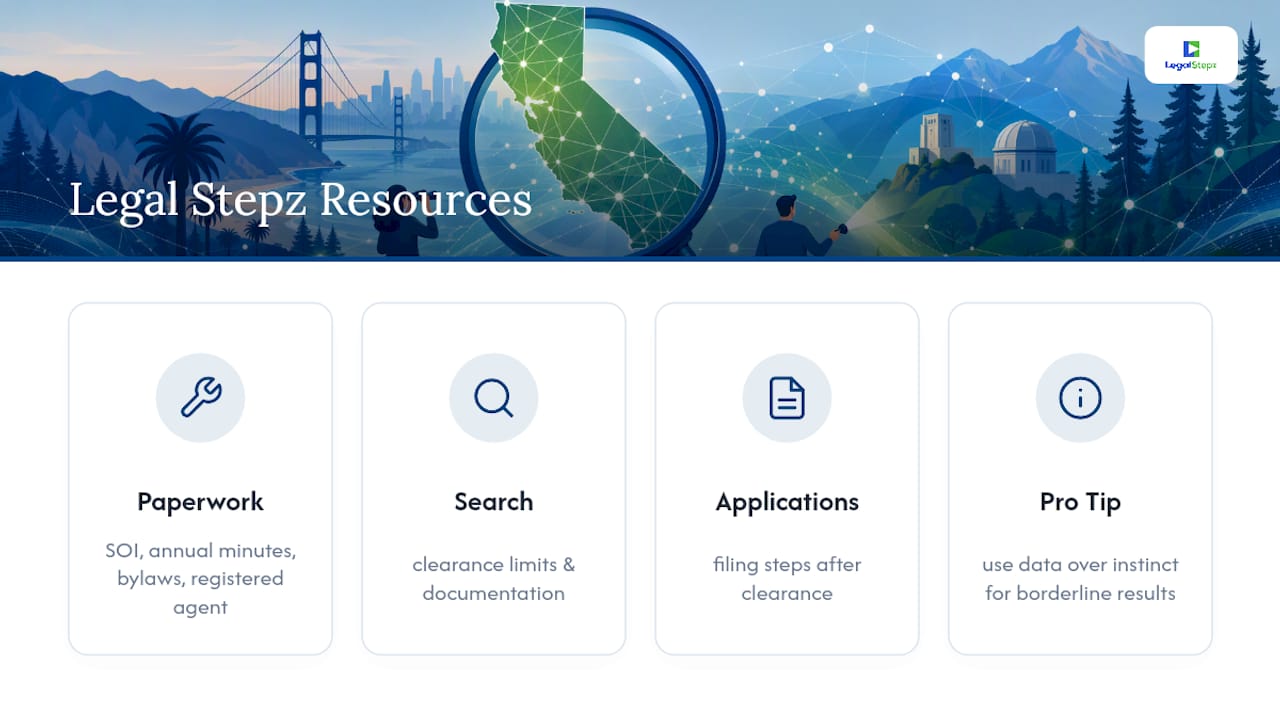
Searching is only half the job. Legal Stepz handles the paperwork side that trips up most first-time filers, including Statement of Information filings, annual corporate minutes and bylaws, and registered agent services for California entities.
Our trademark search category covers clearance limitations and search documentation in more detail, and our trademark application articles walk through the filing steps once your search comes back clean.
Pro Tip: If your search results are borderline, don't rely on instinct. tends to tell you more than a gut feeling ever will.
Authoritative Links to Use and Bookmark
Bookmark these before you start searching, not after you hit a wall:
- California Secretary of State bizfile trademark search
- USPTO federal trademark search (tmsearch)
- WIPO Global Brand Database
- California Business and Professions Code, Model State Trademark Law
- USPTO Patent and Trademark Resource Centers for free, in-person search assistance
Why Most Trademark Search Advice Undersells the Common-Law Problem
Most guides treat a trademark search like a database lookup. Type the name, check two boxes, move on. That's backwards. The real risk almost always lives in the common-law layer that bizfile and tmsearch can't see, the local bakery with an Instagram following, the regional contractor who's used a name for a decade without ever filing paperwork.
California businesses get hit by this more than most, because the state's sheer size means someone else has probably already used your name somewhere in commerce, registered or not. I'd argue the internet sweep isn't a nice add on to the "real" search. It's the part most likely to actually save you.
If you take one thing from this article, prioritize the messy, unofficial research over the clean database results. A clean bizfile and USPTO search feels like clearance. It's really just step one.
— Peter
Sources
- Trademarks and Service Marks - California Secretary of State
- Federal trademark searching | USPTO
- Global Brand Database — WIPO
- California Business and Professions Code — Model State Trademark Law