
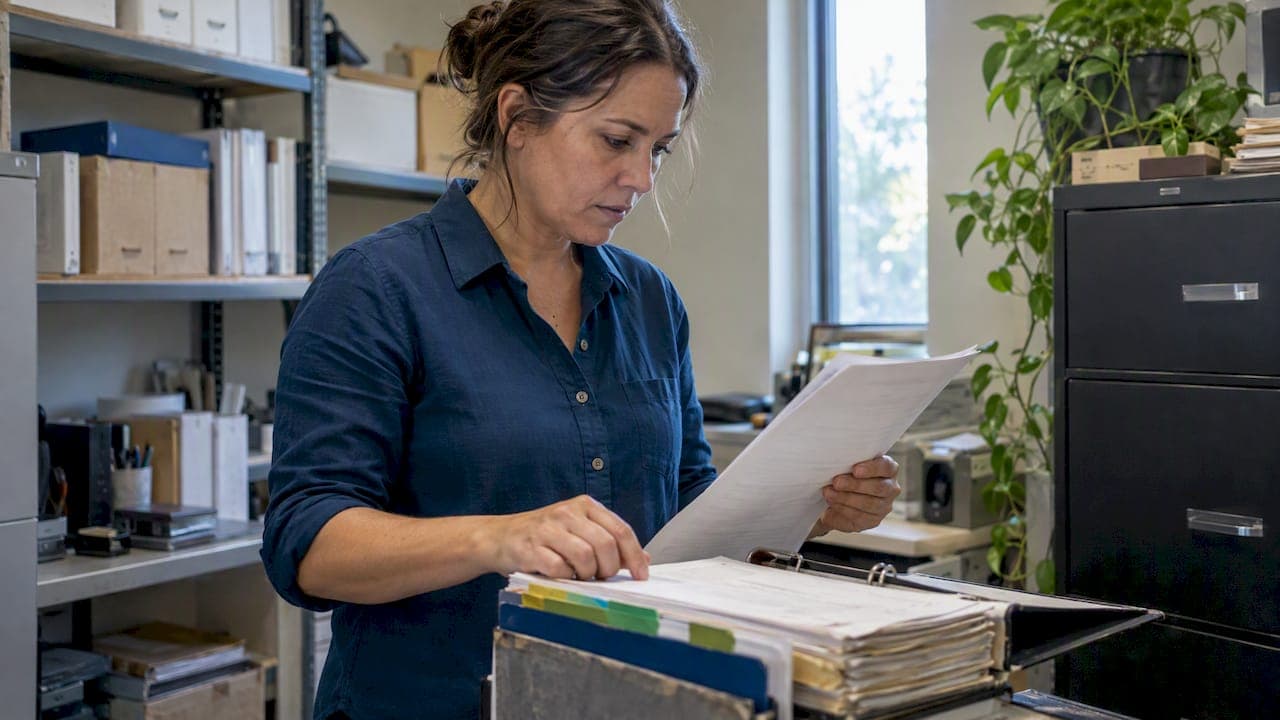
If you run a California stock corporation, agricultural cooperative, or registered foreign corporation, you must file Form SI-550, while nonprofits file Form SI-100 instead. The official SI-550 instructions require filing within 90 days of registration and then annually within a six-month window tied to that date. Filing online at businessfilings.sos.ca.gov is the fastest route to a confirmed filing.
TL;DR:
- All filing entities must submit Form SI-550 within 90 days of registration and annually during a specific six-month window, with a fee of $25.
- Mismatched corporation details or missed deadlines can lead to suspension or forfeiture, requiring updated filings or resolution of tax issues before reinstatement.
- File online at businessfilings.sos.ca.gov for immediate confirmation; paper filings are available but slower, and expedited options exist for urgent needs.
- Ensure the corporation's name, file number, addresses, and officer details match state records to prevent rejection, and use the shorter Statement of No Change when no details have changed.
- Regularly track your filing window, consider a registered agent service, and keep corporate records updated to stay compliant and avoid costly delays or penalties.
- ✓Statement of information filing
- ✓Annual minutes drafting
- ✓Bylaws drafting
- ✓Registered agent services
Table of Contents
- Who Must File SI-550 and When to Use SI-100 Instead
- Deadlines, Filing Windows, and Fees You Should Budget For
- How to Complete Each Field on Form SI-550
- Filing Online, By Mail, or In Person
- Fixing Mistakes, Late Filings, and Suspension
- A Compliance Checklist Before You File
- What Trips Up Most First-Time Filers
- How Legal Stepz Keeps Your Corporation Filed and Compliant
- FAQ
- Official Forms, Instructions, and Filing Portals
Who Must File SI-550 and When to Use SI-100 Instead
Not every registered entity uses the same form. Domestic stock corporations, agricultural cooperative corporations, and foreign corporations registered to do business in California all file Form SI-550. Nonprofit corporations file Form SI-100 instead, since the Secretary of State separates for-profit and nonprofit reporting requirements.
Before filing anything, confirm your corporation's current standing. Mismatched details between what you submit and what the state already has on file are among the most common causes of rejection.
- Domestic stock corporations file SI-550.
- Agricultural cooperative corporations file SI-550.
- Foreign corporations registered in California file SI-550.
- Nonprofit corporations file SI-100, not SI-550.
Check your exact legal name, file number, and status on the SOS Business Search before you start the form. A corporation that's suspended or forfeited may face complications filing until that status is resolved.
Deadlines, Filing Windows, and Fees You Should Budget For
Every qualifying corporation files an initial Statement of Information within 90 days of registering with the Secretary of State. After that, filings recur annually during a six-month window keyed to the original registration month, a schedule the SOS publishes in its filing period chart.
The standard filing fee is $25, with additional charges for certified copies, according to the Secretary of State's fee guidance. Expedited processing costs more and shortens turnaround for corporations facing a closing deadline or urgent compliance check.
- Initial filing: due within 90 days of registration.
- Recurring filing: due annually during your assigned six-month window.
- Standard fee: a modest filing fee, plus extra for copies or certification.
- Expedited service: available for an added fee when speed matters.
Missing a filing window can lead to suspension or forfeiture of your corporation's status with the state, which can block your ability to file other documents until the issue is resolved. Checking your filing status regularly through the Business Search tool avoids this entirely.
How to Complete Each Field on Form SI-550
Form SI-550 is short, but small errors cause real delays. Work through it in order rather than skipping around.
- Corporate name and file number. Enter your corporation's exact legal name and your seven-digit SOS file number precisely as recorded. A mismatch here is one of the most common reasons filings get bounced back.
- Business addresses. List your principal executive office, your mailing address if different, and your principal California office. Street addresses are required where the form prohibits P.O. boxes, so check each address line before submitting.
- Officers. Name your CEO (or president), secretary, and CFO (or treasurer) with their addresses. If your corporation has more officers than the form allows, attach Form SI-550A for the extras and keep a copy with your corporate records.
- Service of process. List an individual agent with a California street address, or a registered corporate agent authorized to accept service on your behalf.
- Type of business. Describe your business activity in a few concise words. If your type of business involves complex financial reporting, consider tools to compare financial statements that help accounting and legal teams. Referencing a NAICS category can help you choose wording that's specific without being overly technical.
- Signature. An officer, director, or authorized agent signs and dates the form. If an agent signs, their title or authority should be clear enough for the Secretary of State to accept it without follow-up.
Pro Tip: Keep a saved copy of your prior filing open while you complete a new one, since most of the addresses and officer details carry over unchanged.
If nothing on your last filed Statement of Information has changed, file the shorter Statement of No Change (Form SI-550 NC) instead of a full SI-550. It covers the same reporting obligation with less paperwork when your corporate details are identical to what's already on record.

Filing Online, By Mail, or In Person
Online filing at businessfilings.sos.ca.gov is the method the Secretary of State points to first, and it's worth using for nearly every filer. It confirms submission immediately and avoids mail transit time entirely.
Mail and in-person filing remain available for corporations that prefer paper records or need to submit alongside other documents. The Secretary of State's forms page lists the current mailing address and accepted payment methods for both options.
- Online: fastest confirmation, available at businessfilings.sos.ca.gov.
- Mail or in person: accepted with check, money order, or credit card depending on method.
- Expedited processing: request it directly through SOS for urgent deadlines.
- Proof of filing: save your confirmation or stamped copy for your corporate records.
Fixing Mistakes, Late Filings, and Suspension
If you discover an error after filing, the fix is straightforward: file a new, complete SI-550 rather than submitting a correction to the old one. The Secretary of State doesn't accept partial amendments to a previously filed Statement of Information.
A missed filing can lead to suspension or forfeiture, which affects your corporation's legal standing and may limit its ability to file other documents until resolved. Suspension tied to tax issues typically requires clearing the matter with the Franchise Tax Board before the Secretary of State will reinstate active status.
- File a brand-new SI-550 to correct an error, never a partial amendment.
- Confirm your current status on SOS Business Search before taking further action.
- Resolve any Franchise Tax Board issue first if suspension is tax-related.
- Consider a registered agent or paid filing service if you're short on time or unsure of your status.
A Compliance Checklist Before You File
Preparing a clean filing takes a handful of deliberate steps rather than guesswork.
- Confirm your corporation's name, file number, and status on SOS Business Search.
- Gather current addresses for your principal office, mailing address, and all listed officers.
- Decide whether you need a full SI-550 or the shorter SI-550 NC.
- File online at businessfilings.sos.ca.gov for the fastest confirmation.
- Save your confirmation or receipt with your corporate records.
Pro Tip: Set a calendar reminder for your six-month filing window the moment you complete this year's Statement of Information, so next year's deadline never catches you by surprise.
Corporations juggling multiple deadlines or officer changes often benefit from a registered agent service or a paid filing service that tracks these windows for them.
What Trips Up Most First-Time Filers
Most mistakes I see come from rushing the address fields or forgetting that officer details need to match what the Secretary of State already has on file. A P.O. box where a street address is required, or a file number copied from an old document, causes more rejected filings than anything else on the form.
Verify your SOS record first, prepare your officer addresses in advance, and file online. Those three habits prevent nearly every avoidable delay.
— Peter
How Legal Stepz Keeps Your Corporation Filed and Compliant
Filing your own Statement of Information is manageable once you know the fields, but staying on top of every six-month window, officer change, and renewal takes ongoing attention. We handle that work directly, so your filings never slip past their deadline.
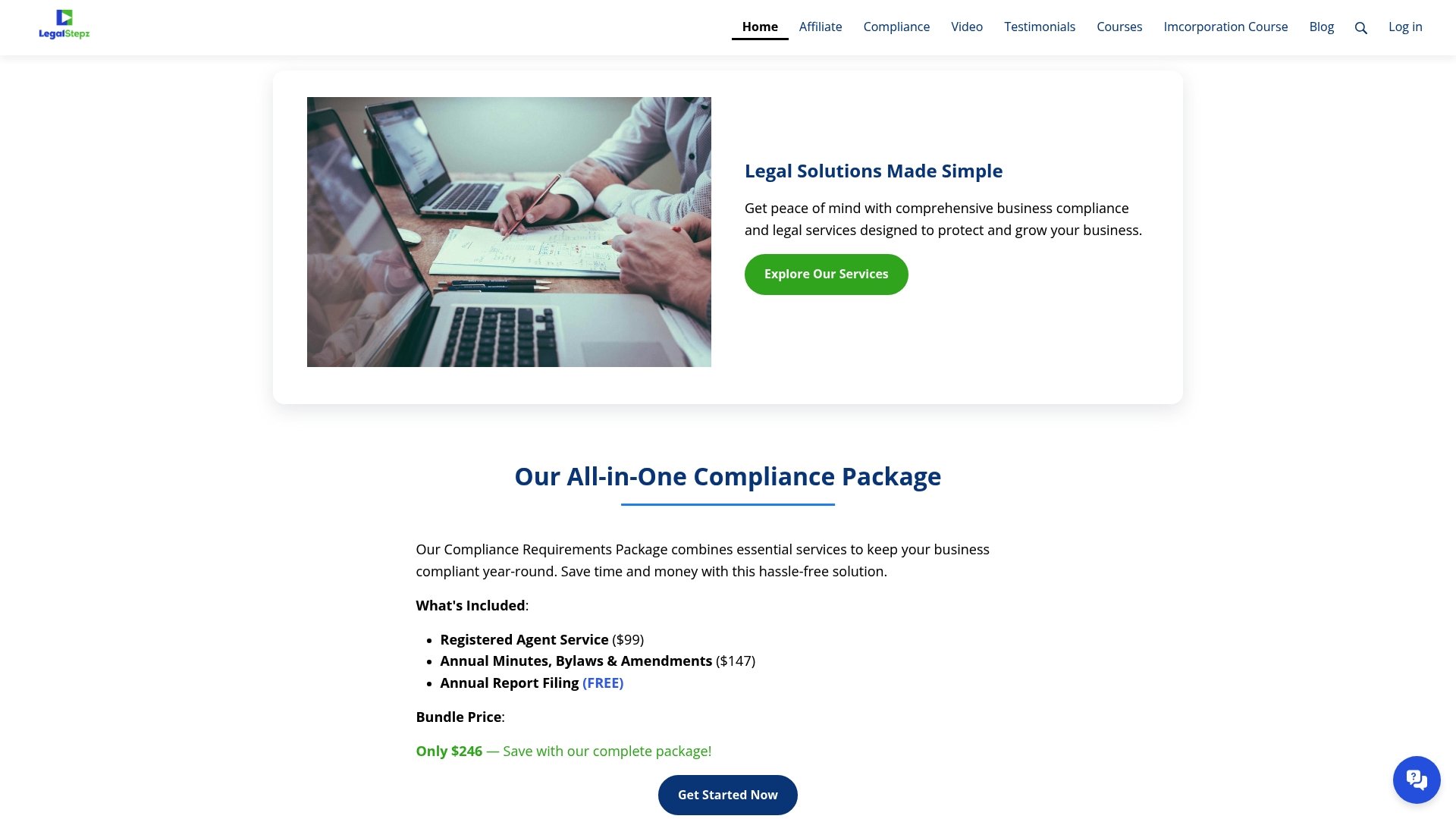
- Registered Agent Service keeps your service of process current year-round.
- Annual Minutes, Bylaws and Changes Throughout the Year keeps your corporate records aligned with what you file.
- Annual Report preparation covers your recurring SI-550 obligations.
Check our compliance services to see which package fits your filing calendar.
This article is general information, not a substitute for advice from a qualified lawyer. Consult a qualified legal professional about your own circumstances before acting on anything here.
FAQ
Can I file Form SI-550 online?
Yes, California corporations can file Form SI-550 directly through the Secretary of State's online portal at businessfilings.sos.ca.gov, which is the method the state recommends for the fastest confirmation. Mail and in-person filing remain available for those who prefer paper submission.
What is Form SI-550?
Form SI-550 is California's Statement of Information, a recurring disclosure that stock corporations, agricultural cooperatives, and registered foreign corporations file with the Secretary of State. It reports current officers, business addresses, and a service of process agent.
What are the instructions for filing a Statement of Information in California?
You complete the corporate name, file number, business addresses, officer details, service of process agent, and type of business, then sign and submit the form online, by mail, or in person. Corporations with no changes since their last filing can submit the shorter Statement of No Change instead.
What form do I need to file to dissolve an LLC in California?
Dissolving an LLC involves separate dissolution paperwork with the Secretary of State rather than Form SI-550, which applies to corporations' ongoing reporting requirements. A qualified filing service or attorney can confirm the correct dissolution form for your entity type.
Official Forms, Instructions, and Filing Portals
For the source documents behind this guide, start with the Secretary of State's own pages rather than third-party mirrors.
- Official SI-550 instructions and filing requirements, via why California businesses file SI-550
- Statement of Information overview and form responsibilities, via California Statement of Information
- Field-by-field SI-550 guidance, via California Statement of Information walkthrough