

Online filings through bizfileOnline typically move fastest, often within days depending on current backlog, while mail submissions take the longest because they're processed as received at the end of the business day. In-person drop-off sits in between, with its own internal queue. If a deadline is close, paid expedited service guarantees a response window of 4 hours, same-day, or 24 hours for an added fee. Check the SOS processing-dates page before you file so you know what you're walking into.
TL;DR:
- California LLCs must file an initial Statement of Information online within 90 days for $20, then file again every two years based on registration date.
- The $350 Class C tier guarantees a response within 24 hours on a business day; $750 Class B requires 9:30 a.m. receipt for same day service.
- Class A promises a response in four hours but requires in person delivery and usually a separate $500 preclearance review; rejection voids the expedited window.
- After an overdue Statement of Information remains unfiled for 60 days, the SOS notifies the Franchise Tax Board, which may impose a $250 penalty or suspend the LLC.
- The processing dates page shows which filing date the SOS is reviewing, not an approval date; track an individual submission through bizfileOnline.
Table of Contents
- Processing Times by Submission Method and Document Type
- Expedited Service Options, Fees, and Guaranteed Windows
- Planning Filings to Avoid Predictable Delays
- Statement of Information: Deadlines, Fees, and Penalties
- How to Check Your Filing Status and Confirm the File Date
- A Practical Checklist for a Smooth Filing
- When DIY Filing Makes Sense, and When It Doesn't
- How We Help You File on Time
- FAQ
- Sources
Processing Times by Submission Method and Document Type
The California Secretary of State publishes a running snapshot of exactly which date it's currently reviewing for each submission channel and document type on its processing-dates page. This table is the closest thing to a live status board for the agency's backlog, and it updates as volume shifts.
Online filing through bizfileOnline is generally the fastest route. Because the SOS prioritizes electronic submissions, online filers often see their documents reviewed within days, though the exact window depends on current volume shown on the processing-dates table.
In-person drop-off gets handled on its own internal track. You can hand documents to a clerk the same day, but that doesn't mean same-day review, since drop-off submissions join a separate queue from standard mail and online filings.
Mail is the slowest option. The SOS treats mailed documents as received at the end of the business day they arrive, which pushes them to the back of that day's queue before processing even begins.
A few filing types have specific rules worth knowing:
- Articles of Organization for a new LLC carry a $70 filing fee and can be submitted online, by mail, or in person.
- An initial or biennial Statement of Information is an online-only filing with a $20 fee.
- Certificates and copies of filed documents can be ordered online for convenience, though turnaround still depends on current SOS volume.
Choosing a channel comes down to urgency. Online works for most routine filings. Drop-off makes sense if you're near a Sacramento counter and want a document physically accepted that day. Mail works only when you have real buffer time before a deadline.
Expedited Service Options, Fees, and Guaranteed Windows
When a deadline can't wait, the SOS offers three paid expedite classes, each detailed on its service options page. Class C, the 24-hour service, costs $350 and guarantees a response within 24 hours on a business day. Class B is same-day service for $750, with documents required to be received by 9:30 a.m. for a response by 4:00 p.m. that same day. Class A is the fastest tier: 4-hour service that requires preclearance and in-person delivery.

Preclearance is a separate review step where SOS staff check your document for errors before you submit the final filing. A 24-hour preclearance review costs $500 and is typically a prerequisite for using the 4-hour Class A service, since it screens out the kind of mistakes that would otherwise cause a rejection mid-expedite.
That rejection risk matters more than the fee schedule suggests. If an expedited filing gets rejected during review, you lose the expedited window entirely and have to correct and resubmit, which stretches your total timeline well past what you paid to avoid.
To use expedited service without wasting the fee:
- Confirm your bizfileOnline account is active and your payment method is ready.
- Pick the expedite class that actually matches your deadline, not the cheapest one available.
- Submit before the stated cutoff time (9:30 a.m. for same-day service).
- Double-check that all required fees and attachments are included before you submit.
Planning Filings to Avoid Predictable Delays
Processing times aren't static. Volume spikes at predictable points in the year, particularly around fiscal and calendar year-end, when many entities file Statements of Information or renewal paperwork at once. The processing-dates table tends to show longer review lags during these windows, and that backlog can push a routine filing past a deadline you thought you had covered.
The fix is mostly about timing. File earlier in the year when you have flexibility, avoid submitting during known surge periods if you can help it, and build in extra buffer days for anything going by mail.
Before you submit anything, run through a quick check:
- Confirm you're using the current version of the correct form.
- Verify all required signatures are in place.
- Attach any supporting documents the filing requires.
- Confirm your payment method or fee is ready to process.
Pro Tip: For a filing you can't afford to get wrong, use preclearance first, then follow up with the expedite class that matches your actual deadline.
Statement of Information: Deadlines, Fees, and Penalties
California LLCs must file an initial Statement of Information within 90 days of registration, according to the Secretary of State's LLC filing guidance. The filing fee is $20 and must be submitted online.
After that initial filing, LLCs file a Statement of Information every two years, on a schedule tied to the entity's registration date. The SOS sends reminder notices as the deadline approaches, so missing one usually means you overlooked a notice rather than a surprise requirement.
The consequences for skipping it compound quickly:
- The SOS first issues a delinquency notice when a Statement of Information is overdue.
- If 60 days pass with no filing, the SOS notifies the Franchise Tax Board, according to the SOS business entities FAQ.
- The Franchise Tax Board can then assess a penalty, commonly $250, and the entity risks suspension or forfeiture.
- Reviving a suspended entity means filing all missing statements and following both FTB and SOS revival procedures before the entity regains good standing.
How to Check Your Filing Status and Confirm the File Date
The SOS assigns a file date based on how you submit. Online filings get a timestamp the moment they're received. In-person filings are dated when the counter clerk accepts them. Mail filings are dated as received at the end of the business day they arrive, regardless of when the envelope was postmarked.
The processing-dates table shows the date the SOS is currently reviewing for each document type and channel. That's not the same as your approval date. A document with a review date of today may still need additional business days before it's fully processed.
To track your own filing:
- Check status directly through bizfileOnline.
- Call the SOS business programs line for status questions on filings not yet reflected online.
- Know that Sacramento's counter handles priority in-person requests, while the Los Angeles office has more limited same-day capacity.
A Practical Checklist for a Smooth Filing
Before you submit anything to the SOS, set up your bizfileOnline account, gather signed documents, and confirm your payment method works. For an initial Statement of Information, that means having your LLC's registered agent, address, and management information ready to enter within the 90-day window.
We handle the pieces that commonly trip up new filers:
- We file Statements of Information directly through bizfileOnline so the file date and fee payment are handled correctly the first time.
- We provide registered agent service so your entity always has a reliable point of contact for SOS and FTB notices.
- We draft annual corporate minutes and bylaws so your entity's internal records stay current alongside your state filings.
- We bundle these into compliance packages for owners who want ongoing filings handled without tracking every deadline themselves.
When DIY Filing Makes Sense, and When It Doesn't
If your formation is straightforward and you have no deadline pressure, filing through bizfileOnline yourself works fine. The system is built for self-service, and a simple Statement of Information or Articles of Organization doesn't require outside help.
The calculation changes once a deadline is tight, you're trying to revive a suspended entity, or a rejection would cost you real time. In those cases, a service that knows the SOS's exact requirements reduces the chance of a correctable mistake turning into a missed window.
— Peter
How We Help You File on Time
We take the guesswork out of hitting SOS deadlines. Our compliance services cover Statement of Information filing, registered agent service, and annual minutes and bylaws preparation, all handled through bizfileOnline so your file date is accurate from the start.
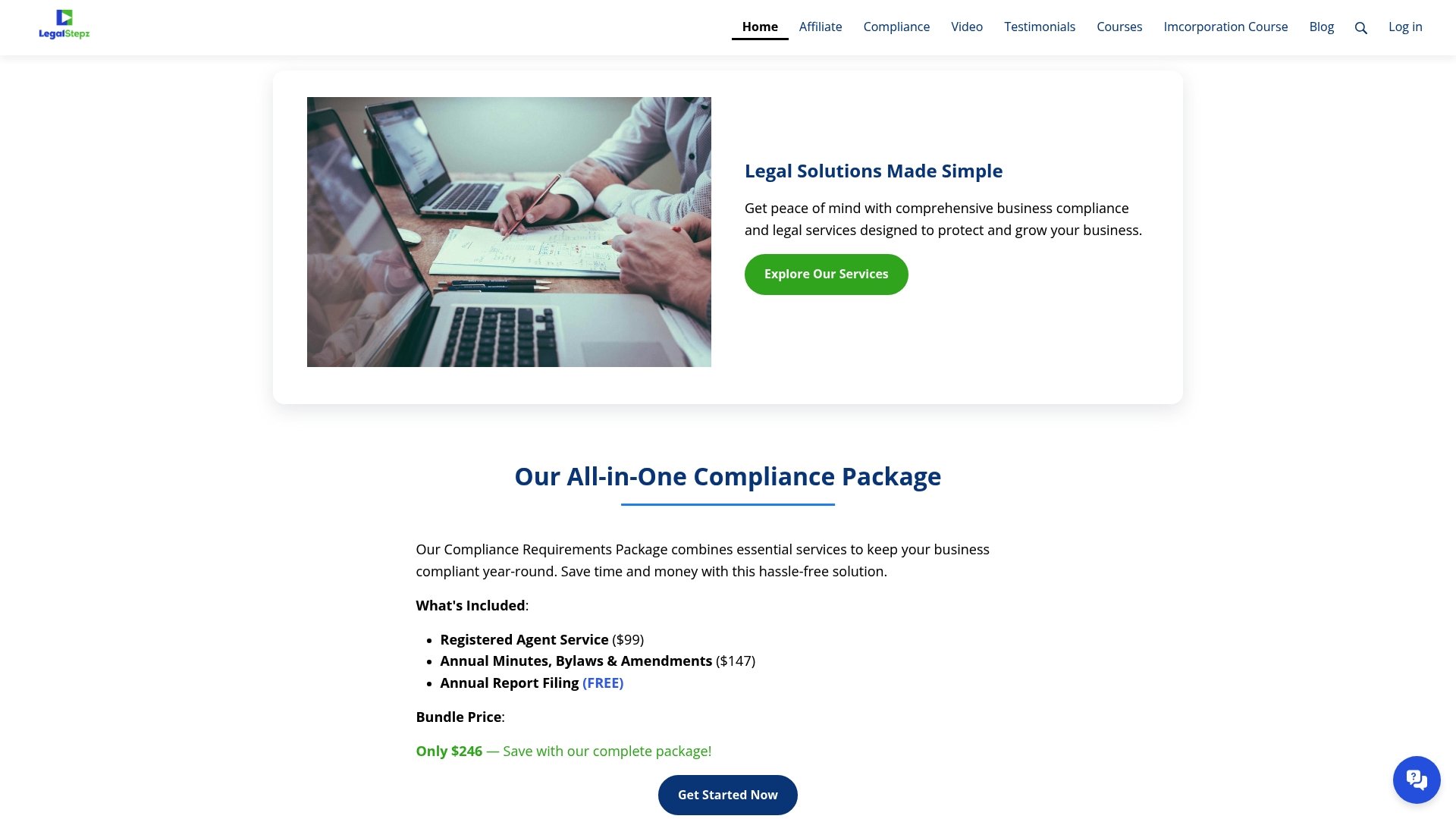
- Registered Agent Service keeps your entity reachable for every SOS and FTB notice.
- Annual Minutes, Bylaws and Changes Throughout the Year keeps your internal records aligned with your filings.
- Limited Liability Company Course and Incorporation Course walk you through formation step by step if you'd rather file it yourself.
Start with our compliance page to see which service fits your timeline.
This article is general information, not a substitute for advice from a qualified lawyer. Consult a qualified legal professional about your own circumstances before acting on anything here.
FAQ
How long is a California SOS number?
A California SOS entity number is permanent once assigned and doesn't expire or need renewal. It stays with your business for as long as the entity remains registered and in good standing with the Secretary of State.
How long does it take to apostille a document in California?
Apostille processing times depend on the submission method and current SOS volume, similar to other filings tracked on the processing-dates page. Expedited service options may be available for apostille requests that need faster turnaround, though availability should be confirmed directly with the Secretary of State's office.
How quickly can I create an LLC in California?
Online Articles of Organization filings are typically the fastest route, often processed within days depending on current backlog shown on the SOS processing-dates page. Paid expedited service can guarantee a response in as little as 24 hours for $350 or same-day for $750 if received by 9:30 a.m., according to SOS service options.
What happens if I just let my LLC expire?
Letting a required Statement of Information lapse triggers a delinquency notice, and after 60 days the SOS notifies the Franchise Tax Board, which can assess a penalty, commonly $250, and move toward suspension. A suspended entity loses its legal standing to conduct business until it files all missing statements and completes FTB revival requirements.
Sources
- California Secretary of State — Processing dates
- California Secretary of State — Limited Liability Companies (LLC) - forms and fees
- California Secretary of State — Business entities: FAQs
- California Franchise Tax Board — Limited liability company