

File an updated Statement of Information through bizfile Online whenever your agent for service of process, address, or officers change, and do it right away rather than waiting for your next filing window. You will need authorized User Access for your entity, a requirement the Secretary of State put in place starting August 1, 2026. Skipping this step risks penalties and can put your entity's active status at risk.
TL;DR:
- Filing updates immediately after any change to your agent, address, or officers is essential to avoid penalties and prevent your entity’s suspension or forfeiture.
- You need authorized User Access by August 1, 2026, to file online through bizfile Online, and approvals can take time, so request access well before deadlines.
- Most entities must file annually or biennially based on their registration date, but any immediate change requires filing outside your scheduled window.
- Missing a filing triggers delinquency notices after 60 days, with penalties assessed by the Franchise Tax Board, risking legal and operational issues.
- Using privacy-protected addresses, such as a registered agent or virtual office, helps keep personal information off public records when filing the Statement of Information.
Table of Contents
- Step-by-step checklist to update your SOI
- When to file: deadlines, windows, and immediate changes
- Fees, penalties, and what happens if you don't file
- How to file online with bizfile Online
- What to include on the form and privacy best practices
- After filing: processing, proof, and record-keeping
- Legal Stepz perspective: why timely, accurate updates protect your business
- How Legal Stepz can help file your updated Statement of Information
- Sources
- FAQ
Step-by-step checklist to update your SOI
Most updates can be completed quickly once you have the right account access. Work through these steps in order:
- Search your entity on the Secretary of State's Business Search tool and confirm your exact entity name and file number.
- Log into bizfile Online and request or confirm authorized User Access for your entity.
- Choose the correct form: SI-550 for corporations and LLCs, SI-550 NC only if nothing has changed since your last full filing, or SI-100 for nonprofit corporations.
- Complete the full form if your agent, address, or officer and manager details have changed at all.
- Use the No Change option only when every detail on file is still accurate.
- Pay the filing fee, submit electronically, and download the PDF confirmation for your records.
Pro Tip: Save the confirmation PDF to a shared folder your team can access, not just your personal inbox, so proof of filing survives staff turnover.
When to file: deadlines, windows, and immediate changes
California ties your filing schedule to your registration date, and the rules differ by entity type according to the Secretary of State's filing guidance. Most entities must file an initial Statement of Information within 90 days of registering, then follow an ongoing schedule tied to a six-month window around their registration month.
- Stock corporations file every year within their designated filing window.
- LLCs and nonprofit corporations file every two years, in either odd or even years depending on when they first registered.
- Any change to your agent for service of process, business address, or officers and managers must be filed as soon as it happens, not held until your next scheduled window.
Our California corporation filing deadlines calendar breaks down exact windows by entity type if you need help calculating yours.
Fees, penalties, and what happens if you don't file
The Secretary of State's FAQ page lays out a clear penalty sequence for entities that miss a filing.
- The Secretary of State first sends a delinquency notice when a Statement of Information is overdue.
- After 60 days without a filing, the state notifies the Franchise Tax Board, which can assess penalties.
- Continued noncompliance can lead to suspension or forfeiture of your entity's status in California.
A late filing does not resolve itself: the Secretary of State's FAQ states that a penalty waiver will not even be considered until a current Statement of Information is on file. If you have received a delinquency notice, file first, then request the waiver.
How to file online with bizfile Online
Filing through bizfile Online is straightforward once your account has the right permissions attached to it.
- Go to the bizfile Online portal and sign in or create an account.
- Request User Access tied to your specific entity if you have not already done so. Since August 1, 2026, the "file a Statement of Information" option only appears for users with approved access to that entity.
- Select the correct form, fill in every required field, and review it against your current business records before submitting.
- Pay the filing fee and submit. Provide an email address to receive a free PDF copy of your filed statement automatically.
Processing times vary by submission method, and the Secretary of State's processing dates page tracks current turnaround for online, mail, and in-person filings.
Pro Tip: Request User Access before your filing window opens. Access approvals can take time, and waiting until a deadline is close leaves little room for delays.
What to include on the form and privacy best practices
Every full Statement of Information filing requires the same core fields, and getting them right the first time avoids a follow-up filing.
- Entity name exactly as registered, plus your Secretary of State file number.
- Principal executive office address.
- Name and street address of your agent for service of process.
- Names and addresses of officers, managers, or members, depending on entity type.
- Business mailing address, if different from your principal office.
Use SI-550 NC only when absolutely nothing on the form has changed since your last complete filing. Because Statements of Information become public record once filed, consider listing a business address rather than a home address wherever the form allows it, per the Secretary of State's privacy guidance.
Pro Tip: If you work from home, a registered agent address or a virtual business address keeps your personal address off a document anyone can search.

After filing: processing, proof, and record-keeping
Once submitted, your filing typically supersedes any previous Statement of Information on record.
- Online filings usually process faster than mail or in-person submissions, and current turnaround times are listed on the processing dates page.
- You will receive a free PDF copy by email once your filing is accepted and payment confirmed.
- Store that PDF alongside other compliance records, and check our business address change checklist if the update also affects other agencies.
Legal Stepz perspective: why timely, accurate updates protect your business
Businesses often treat the Statement of Information as paperwork rather than protection. It is both. Your agent for service of process is how courts and state agencies reach you, and an outdated address means legal notices can go to the wrong place or get missed entirely. Because these filings are scraped and republished by third-party data sites, an error can circulate publicly long after you correct it in bizfile Online.
Our general rule: handle simple address or officer updates yourself if you already have User Access set up and the change is minor. Bring in help for reinstatement after suspension, coordinating updates across multiple entities, or untangling agent resignation issues, situations where a filing mistake compounds quickly. Our guide on amendment versus replacement filings walks through the distinction in more detail.
The information you file becomes the record everyone else relies on to reach your business.
— Peter
How Legal Stepz can help file your updated Statement of Information
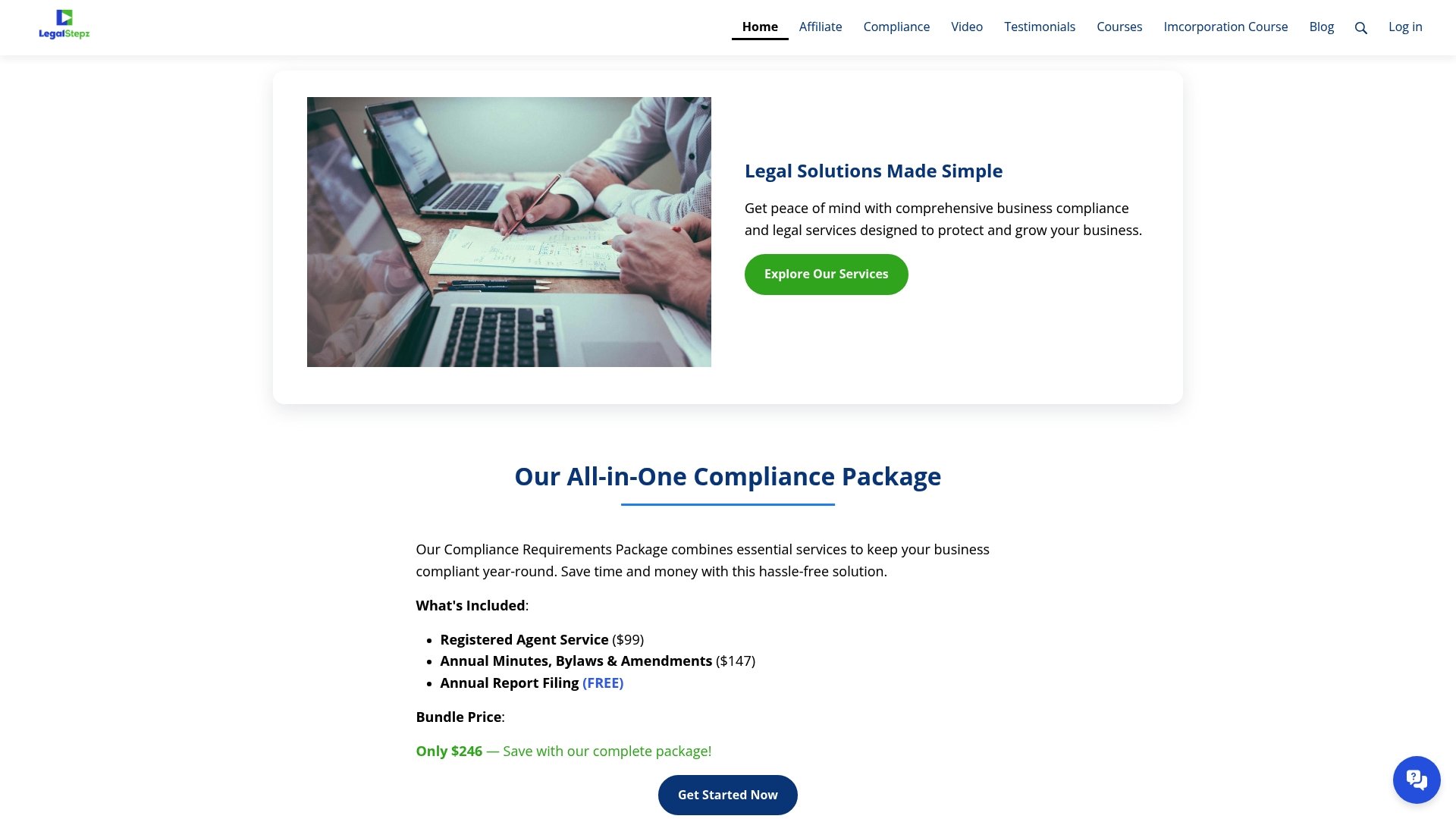
Chasing down bizfile User Access, matching the right form to your entity type, and tracking a six-month filing window is manageable once, but it gets harder across multiple entities or after a lapse in compliance. Some service providers handle the filing itself so you are not the one refreshing the Secretary of State's processing dates page.
- They can file Statements of Information directly through bizfile Online on your behalf.
- Registered agent services are also available to keep your agent address current and off your personal record.
- Annual corporate minutes and bylaws drafting services may be offered to keep compliance paperwork consistent year over year.
If your entity is suspended, juggling multiple filings, or you would simply rather not manage this yourself, visit Legal Stepz to get your Statement of Information filed correctly the first time.
Sources
FAQ
How do I update my California Statement of Information?
File a new, complete Statement of Information through bizfile Online, using authorized User Access for your entity. Select the SI-550, SI-550 NC, or SI-100 form depending on your entity type and whether anything has changed, then pay the fee and submit electronically.
How often do I need to update my Statement of Information in California?
Stock corporations file every year, while LLCs and nonprofit corporations file every two years based on their registration year, according to the Secretary of State. Regardless of that schedule, you must file immediately any time your agent, address, or officers change.
What is a Statement of Information filing in California?
It is a required filing that keeps your entity's agent for service of process, address, and officer or manager information current with the Secretary of State. The filing becomes part of the public record and supersedes any previous statement on file.
What happens if I don't file a Statement of Information in California?
The Secretary of State sends a delinquency notice, and after 60 days without a filing, notifies the Franchise Tax Board, which can assess penalties. Continued noncompliance can lead to suspension or forfeiture of your entity's status in California.