

California LLCs pay a $20 filing fee and corporations pay a $25 filing fee for their Statement of Information, and the fastest way to file either one is through the Bizfile portal. Some filers also owe a small disclosure fee depending on entity type, so it pays to confirm the exact total before you submit.
TL;DR:
- LLCs file initially within 90 days and every two years by formation month, while corporations file within 90 days and annually thereafter.
- A disclosure fee may apply to certain corporate filings, so verify the current Secretary of State fee schedule and total before paying.
- Paper filings require Form LLC-12 for LLCs or Form SI-100 for corporations, an original qualifying signature, and exact payment by check or money order.
- A missed deadline brings an official notice and about 60 days to cure; continued failure can trigger penalties, referral to the Franchise Tax Board, or administrative suspension.
Table of Contents
- Statement of Information Fee Breakdown by Entity Type
- Who Has to File and When Is It Due
- Filing Steps, Forms, and Accepted Payment Methods
- What Happens If You Miss the Filing Deadline
- A Practical Pre-Filing Checklist That Actually Prevents Rejections
- Why the Official Fee Numbers Are Only Half the Battle
- Let Us Handle Your Statement of Information and Ongoing Compliance
- FAQ
- Useful Sources for Fees, Forms, and Filing Instructions
Statement of Information Fee Breakdown by Entity Type
The filing fee depends entirely on what kind of entity you run, and getting the number wrong is one of the quickest ways to get a filing bounced back. Domestic LLCs pay $20. Stock corporations and foreign corporations registered to do business in California pay $25. Nonprofit corporations generally follow the same $20 filing structure as LLCs, though the exact classification can shift depending on how the entity is organized.
A disclosure fee sometimes applies on top of the base filing fee, usually for specific corporate filings where additional ownership or officer information must be reported. When it applies, the total due is the base fee plus that add-on, so a corporation that owes both the $25 filing fee and a disclosure fee needs to send the combined amount, not just the base figure.
- Domestic LLC: $20 filing fee
- Stock corporation (domestic or foreign): $25 filing fee, plus a disclosure fee when applicable
- Nonprofit corporation: generally $20, consistent with LLC-level treatment
- Disclosure fee: a separate add-on charged in specific corporate scenarios
Fee schedules change, and the amounts above reflect the structure most filers encounter. Before you submit payment, check the current numbers on the Secretary of State's official fee schedule so your check or online payment matches exactly. A mismatched amount is one of the most common reasons a paper filing gets rejected and sent back for correction.
Who Has to File and When Is It Due

Every LLC, corporation, and most nonprofit corporations registered in California must file a Statement of Information, regardless of whether the business is actively operating or just holding a name in reserve, as explained in our guide to LLP vs LLC and S Corp Options. There's no exemption for small or dormant entities.
New entities face an initial filing deadline within a few months from the date of formation or registration with the Secretary of State. After that first filing, the ongoing schedule depends on entity type: corporations file annually, while LLCs file every two years based on the anniversary of their original formation month.
- Formed an LLC in March 2026: your initial filing is due by mid-June 2026, then again every two years in March.
- Incorporated in September 2026: your initial filing is due by early December 2026, then every year in September.
- Nonprofit formed in January: follow the same 90-day initial window, then check your specific annual or biennial cadence.
Our guide on why California requires annual filings walks through how these cycles get set and why missing the window matters more than it seems.
Filing Steps, Forms, and Accepted Payment Methods
Filing online through bizfile is the fastest and most reliable route, and it's the method we recommend to nearly every client.
- File online at bizfile.sos.ca.gov. Create or log into your account, select the correct entity, and complete the online Statement of Information. Processing is typically same-day or within a few business days.
- File by mail or in person if you prefer paper. LLCs use Form LLC-12, while corporations use Form SI-100. Both require an original signature from an authorized person, and mailed filings go to the Statement of Information Unit at the Secretary of State's office. Expect several business days of added processing time compared to online filing.
- Pay the correct amount using an accepted method. Online filings accept credit or debit cards. Mailed filings require a check or money order made out for the exact fee, whether that's $20 for an LLC or $25 for a corporation plus any applicable disclosure fee.
Our LLC-12 instructions cover every field on the form if you're filing by mail.
Pro Tip: Double-check your signature method and payment amount before submitting. A stamped or printed signature on a paper filing, or a payment that's off by even a dollar, is enough to get your Statement of Information rejected and sent back.

What Happens If You Miss the Filing Deadline
Missing your Statement of Information deadline triggers a notice from the Secretary of State, followed by a cure period to file before further action. Entities that still don't file risk certification to the Franchise Tax Board or administrative suspension, which can halt your ability to conduct business, sign contracts, or maintain good standing.
A penalty may be assessed for missing the filing, but you should confirm the current figure directly with the Secretary of State before assuming it applies to your situation, since penalty amounts and enforcement details can shift.
- Watch for the official notice mailed to your entity's address of record.
- File the late Statement of Information as soon as possible within the cure period.
- Verify whether a penalty has already been assessed before submitting payment.
A Practical Pre-Filing Checklist That Actually Prevents Rejections
Most rejected filings come down to the same handful of mistakes, and a short checklist before you submit catches nearly all of them.
- Confirm your entity's exact formation date so you know whether you're filing an initial or a regular Statement of Information.
- Gather current officer, member, or agent addresses, since incomplete or outdated addresses are a frequent rejection reason.
- Use a wet or qualifying electronic signature, not a typed or stamped name, on any paper filing.
- Match your payment to the exact fee for your entity type before mailing a check or entering card details online.
Incomplete addresses, mismatched payment amounts, and printed signatures account for most of the rejected Statements of Information we see from business owners filing on their own.
Our initial Statement of Information checklist expands on each of these steps for first-time filers.
Why the Official Fee Numbers Are Only Half the Battle
The dollar amount gets all the attention, but in our experience the fee itself is rarely what trips up a California business owner. It's the paperwork mechanics: an address that's a year out of date, a signature that doesn't meet the state's standard, or a filing submitted to the wrong form entirely. Conventional advice treats the Statement of Information as a simple, low-stakes formality, and that framing undersells the real risk, which is administrative suspension triggered by a missed deadline rather than by the $20 or $25 fee itself.
If you take one thing from this, prioritize your deadline tracking over memorizing the fee schedule. The fee rarely changes dramatically from year to year, but a missed filing window can cascade into penalties, a cure period, and eventually suspension, all of which cost far more time and money to unwind than the original filing ever would have.
— Peter
Let Us Handle Your Statement of Information and Ongoing Compliance
Filing correctly the first time means never worrying about a rejected form or a missed deadline again. Our compliance services cover Statement of Information filing, registered agent service, and annual minutes and bylaws support, so every piece of your California compliance calendar is handled in one place.
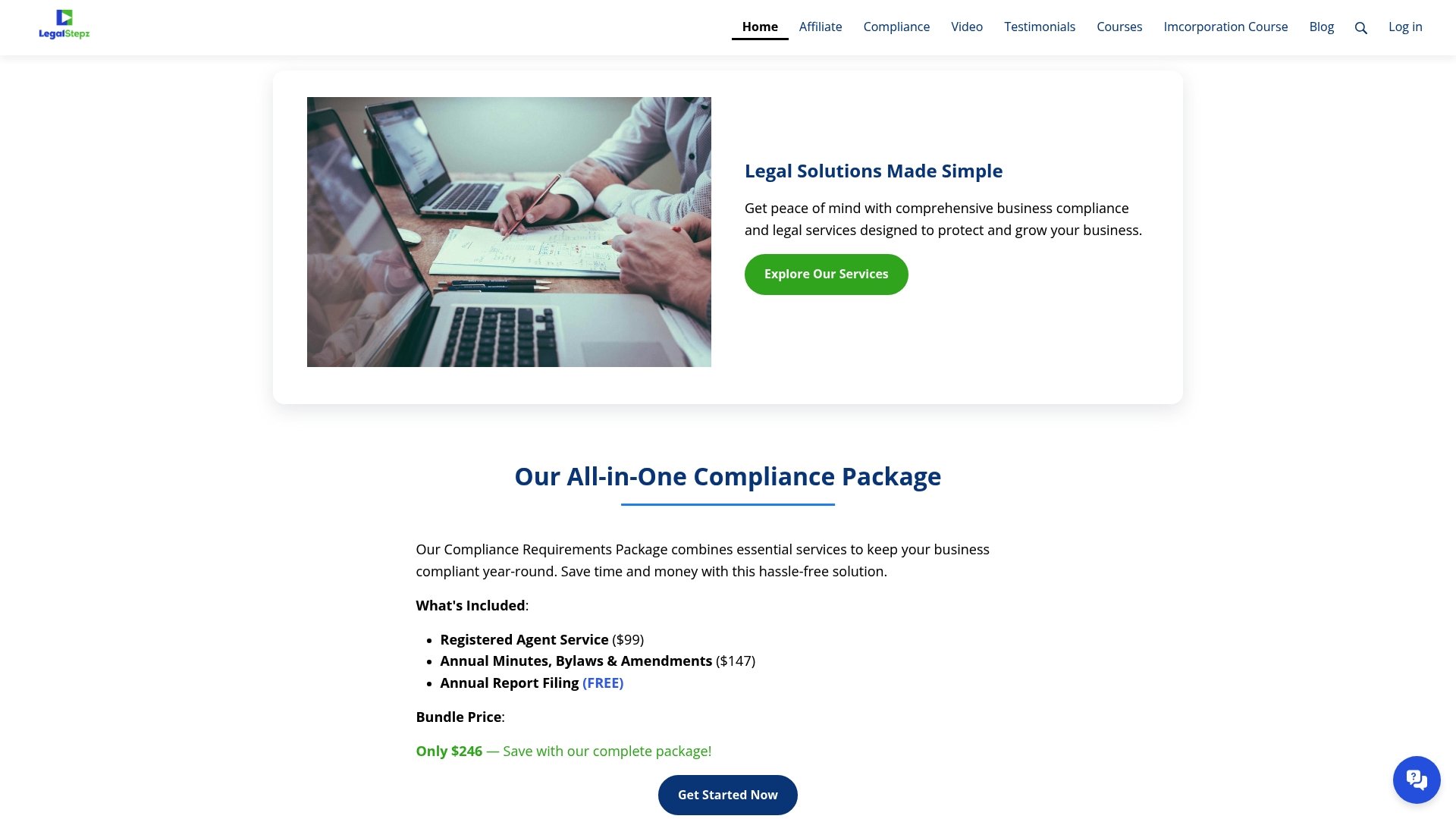
- Registered Agent Service keeps your official address current and your mail handled.
- Annual Minutes, Bylaws and Changes Throughout the Year keeps your corporate records audit-ready.
- Annual Report filing support keeps your Statement of Information on schedule every cycle.
Visit our compliance page to see current packages and get your filing started today.
FAQ
Does an LLC Need to File a Statement of Information Every Year?
No, California LLCs file a Statement of Information every two years, not annually, based on their original formation month. Corporations are the entity type that files every year.
What Happens If I Don't File My Statement of Information?
You'll receive a notice from the Secretary of State followed by a cure period of about 60 days to file before further action. Continued non-filing can lead to a penalty, often cited around $250, and eventually certification to the Franchise Tax Board or suspension.
Can I File My Statement of Information Online?
Yes, online filing through bizfile.sos.ca.gov is the fastest method and is the route we recommend for most filers. Our efile walkthrough covers account setup for new users.
Do I Have to Pay the Same Fee Every Year I File?
The filing fee stays consistent for your entity type each time you file, whether that's $20 for an LLC or $25 for a corporation. Confirm current amounts on the Secretary of State's fee schedule before each submission, since fees are subject to change.
How Do I Know Which Filing Form I Need?
LLCs use Form LLC-12 and corporations use Form SI-100, both available through the Secretary of State. Choosing the correct form avoids processing delays and keeps you from entering fields that don't apply to your entity type.
Useful Sources for Fees, Forms, and Filing Instructions
Before you file, confirm your exact fee and form against official resources rather than relying on secondhand summaries.
- Statement of Information (Form LLC-12) instructions
- LLC-12 field-by-field instructions and $20 fee breakdown
- Efile walkthrough for new bizfile users
- Initial Statement of Information checklist
- California corporation filing deadlines calendar
- Why California requires annual filings