

Most California Statement of Information returns come down to administrative slips: a wrong entity name or number, a missing signature, a bad payment, the wrong form, or a missing attachment. The Secretary of State's return letter lists the exact items that did not conform, and that letter is the authority for your filing. Start by gathering those items and preparing a corrected filing to resubmit inside the resubmission window.
TL;DR:
- The return letter identifies the form, entity number, correction items, and date that starts the resubmission window; follow its wording when general guidance conflicts.
- Corporations and LLCs use different forms, and a registered agent must have a street address; a PO box address will trigger a correction.
- A returned filing may be resubmitted without another fee, but the return letter or official guidance must confirm whether that applies.
- Use the online portal when available, confirm payment cleared, retain submission proof, and monitor a service provider’s status until the corrected filing clears.
- Keep a filing profile with the exact entity name, number, agent address, and officer spellings, then copy those details instead of retyping each cycle.
Table of Contents
- Which statement of information rejection reasons match your returned filing?
- How do you read the Secretary of State's return letter?
- How do you prepare and resubmit a corrected Statement of Information?
- What should you check before every future filing?
- What small mistakes do we fix most often for California clients?
- How can we help you correct a returned filing and stay compliant?
- FAQ
- Sources
Which statement of information rejection reasons match your returned filing?
Most returned filings fall into a handful of categories. Match the wording on your letter to one of these, and you will usually know the fix before you open the form.
- Entity identification errors: the name, entity number, or entity type does not match the Secretary of State record. Check it against the Secretary of State business search before you retype anything.
- Address and officer or manager errors: outdated or misspelled street addresses, or officer and manager names that differ from what you meant to file.
- Registered agent mistakes: an incorrect agent name, or an agent address that is not a street address. A PO box will not work for the agent.
- Signature and authorization problems: an unsigned form, an undated signature, or a signer who lacks authority for that entity type.
- Form selection and missing attachments: using a corporation form for an LLC (or the reverse), or leaving out a required schedule or exhibit.
- Fee and payment failures: the wrong amount, an expired card, or an unsupported payment method. Our article on Statement of Information fees walks through how payment problems lead to returns.
- Formatting and legibility on paper filings: cut-off pages, faint scans, or handwriting the clerk cannot read.
LLC owners often trip on specific fields. Our field-by-field guide to the LLC-12 instructions shows what each line expects.
Entity type matters more than people expect. Owners who also run short-term rentals sometimes file under the wrong structure to begin with, which is a separate problem from a rejected form. If you are weighing that choice, this partner resource on when an LLC beats personal title covers the entity decision for rental owners.

How do you read the Secretary of State's return letter?
The return letter is the primary source for why your filing came back. Read it before you touch the form, because it names the problem more precisely than any general checklist can.
- Find the list of non-conformance items. The letter itemizes what did not meet filing requirements. Each line is something you must correct.
- Note the form and entity number it references. The letter identifies the document by form name and your entity number, which confirms which filing it concerns and which fields it is pointing at.
- Locate the date that starts your window. The letter's date is the starting point for your resubmission timeline, so record it right away.
- Separate instructions from simple listings. Some letters tell you exactly what to do. Others only list what is wrong. Know which one you have so you do not guess at the fix.
- Copy the wording exactly into your notes. Paste the Secretary of State's phrasing into a working document and check each corrected field against it. This prevents the quiet reinterpretation that causes a second rejection.
When two items seem to conflict, trust the letter over any guide, including ours.
How do you prepare and resubmit a corrected Statement of Information?
Work in this order so nothing gets missed on the second attempt.
- Collect what the letter names. Pull every flagged item, plus supporting documents such as your entity record, agent details, and officer list, before editing anything.
- Open the right form for your entity type. Corporations and LLCs use different forms. Update the fields the letter flags, or correct every field if the letter says the whole form must be redone.
- Confirm the signer. The person who signs must have authority for your entity type, and the signature and date must sit in the correct place.
- Attach what was missing. Add the omitted exhibits or corrected pages. For mail or upload filings, check margins and scan quality so nothing is clipped or faint.
- Verify the fee and payment method. Confirm the amount for your entity type. If you pay online, make sure the payment actually went through before you submit.
- File through an accepted channel. The online portal is the preferred route when it is available for your filing. Keep proof of submission and proof of payment.
- Confirm who is filing. If a registered agent or compliance service handles filings for you, verify they are submitting the corrected version and watch the status until it clears.
Filing deadlines differ for corporations and LLCs. Our guides to corporation annual report requirements and the LLC biennial filing window explain which schedule applies to you and what a missed deadline can lead to.
What should you check before every future filing?
Run this list every time, even when the filing feels routine. A few minutes of review is cheaper than another return.
- Verify the entity name and number against the Secretary of State business search before filling anything in.
- Confirm your entity type and choose the matching form, corporation or LLC.
- Check the registered agent's name and street address, and update them if either has changed.
- Re-read officer and manager names for spelling, and confirm every address is current.
- Confirm the signer's authority and make sure the signature is dated.
- Check the fee amount and payment method before you finalize.
- Preview the complete filing, including attachments, to confirm every field is filled and everything is legible.
Pro Tip: Keep a one-page "filing profile" with your exact entity name, number, agent address, and officer spellings, and copy from it instead of retyping each cycle.
For a broader routine, our California corporate compliance checklist pairs well with this one.
What small mistakes do we fix most often for California clients?
The errors that bring clients to us are rarely dramatic. An unsigned form, a registered agent address that is a mailbox rather than a street, or a transposed digit in an entity number can stall a filing. Caught early, these take minutes to correct. Left alone, they cost time and sometimes fees. Busy owners also repeat the same slip year after year, which is why a compliance service that tracks your details helps. If your filing came back, send us the letter and we will review it with you.
— Peter
How can we help you correct a returned filing and stay compliant?
We handle the corrections and the ongoing upkeep to help you stay compliant.
- Corrected filing assistance for returned Statements of Information
- Registered agent updates, including your agent's current street address
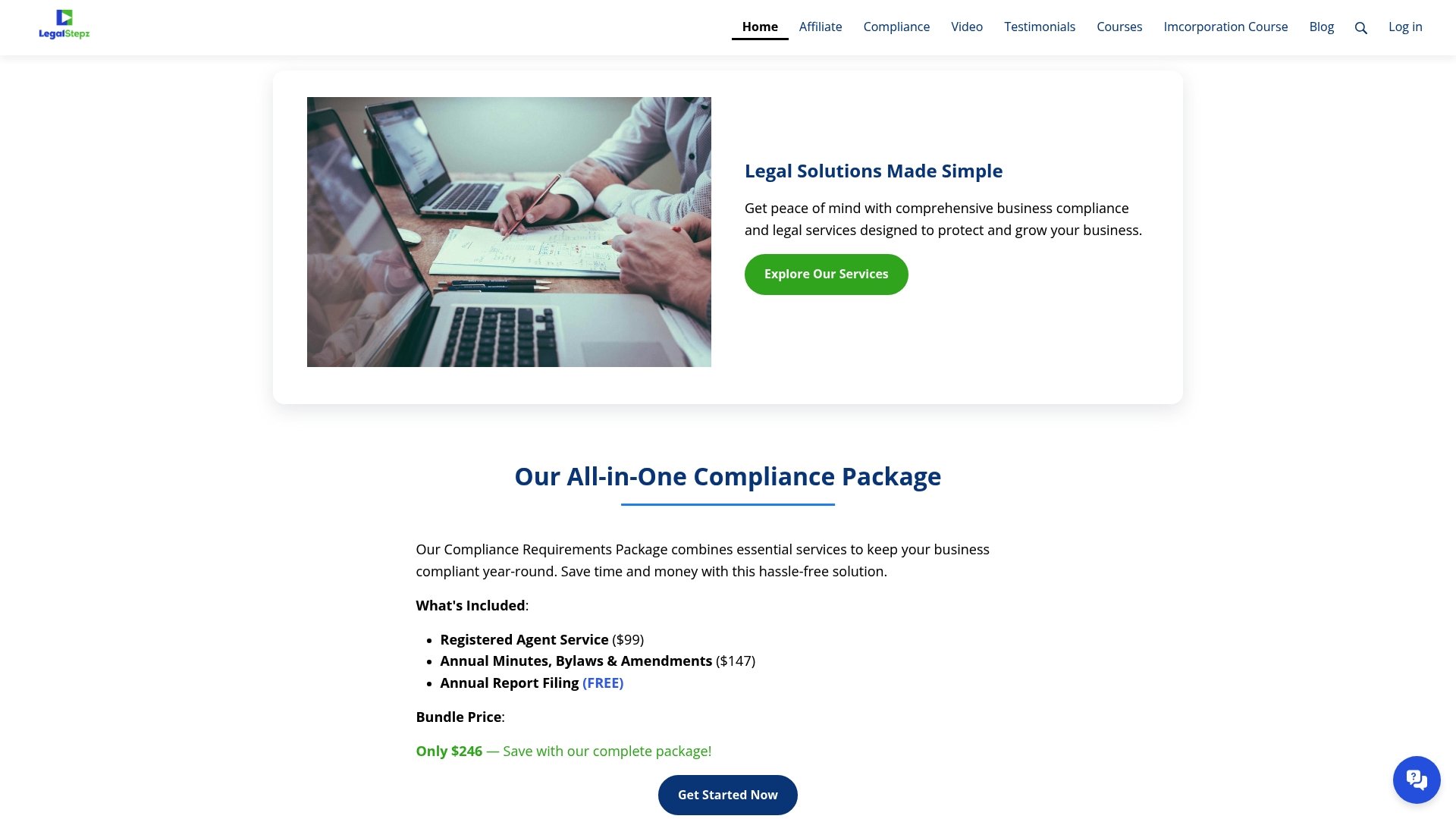
Together, these mean a faster resubmission, fewer repeat returns, and one point of contact for signatures, attachments, and payments. Our Registered Agent Service is $99, and annual minutes, bylaws, and changes throughout the year are $147. Start by sending us your return letter through our compliance page to talk it through.
FAQ
Why was my Statement of Information rejected?
Most rejections come from administrative errors such as a mismatched entity name or number, a missing signature, the wrong form, or a payment problem. Your Secretary of State return letter lists the exact items that did not conform, so read it first.
Can I resubmit without paying again?
Possibly. Check the Secretary of State’s return letter or official guidance to find out whether you can resubmit without a new filing fee. If the filing is returned again, confirm the applicable instructions before resubmitting.
How do I appeal or fix a rejected filing?
In practice you correct the listed items and resubmit, rather than appeal. Follow the return letter line by line, then file the corrected document through an accepted channel and keep proof of submission.
Who should sign the corrected form?
The signer must have authority for your entity type, and the signature must be dated and placed in the correct spot. If you are unsure who qualifies for your corporation or LLC, confirm it before filing.
Sources
- California Statement of Information - Legal Stepz
- California Statement of Information Fees
- Fill Every LLC-12 Field for California
- California Corporation Annual Report Requirements Guide
- California LLC Biennial Filing
- Your California Corporate Compliance Checklist for 2026